


Creating a performance simulation for Rational Team Concert using Rational Performance Tester 
Authors: VaughnRokosz Build basis: Rational Team Concert 6.0, Rational Performance Tester 8.3.0.3
I've had several recent conversations regarding customers who are doing their own performance testing with the Jazz products. This is a good idea - although IBM does its own extensive performance testing (publishing the results here), customer results may be different because of unique aspects of a customer environment. On the other hand, performance testing is hard. Building a good simulation of a user population requires expertise at many levels, including: 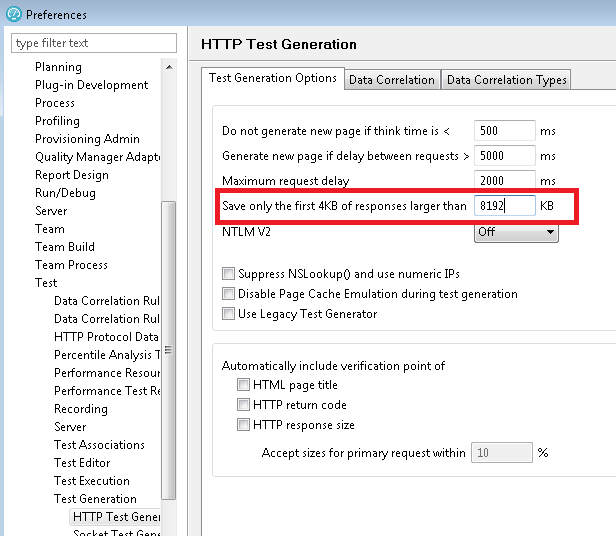 I want to automate the following steps:
- An understanding of what the user population is likely to be doing, and how often
- Experience with the performance simulation tool of choice
- Ability to reverse-engineer the protocols sent to the Jazz server to build working simulations
Overview of the process
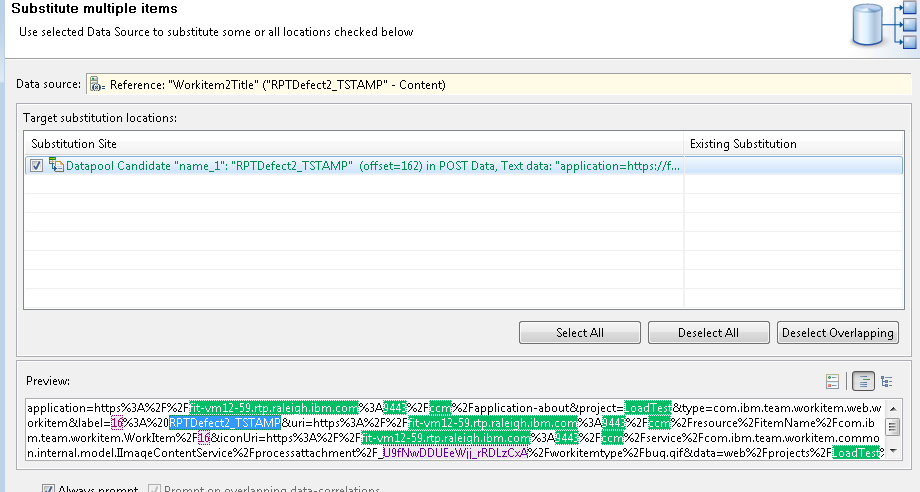
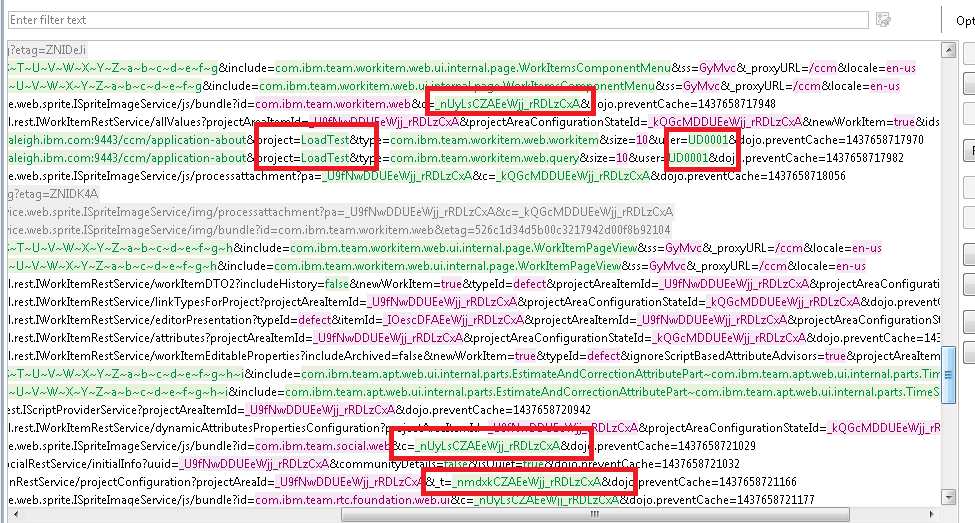
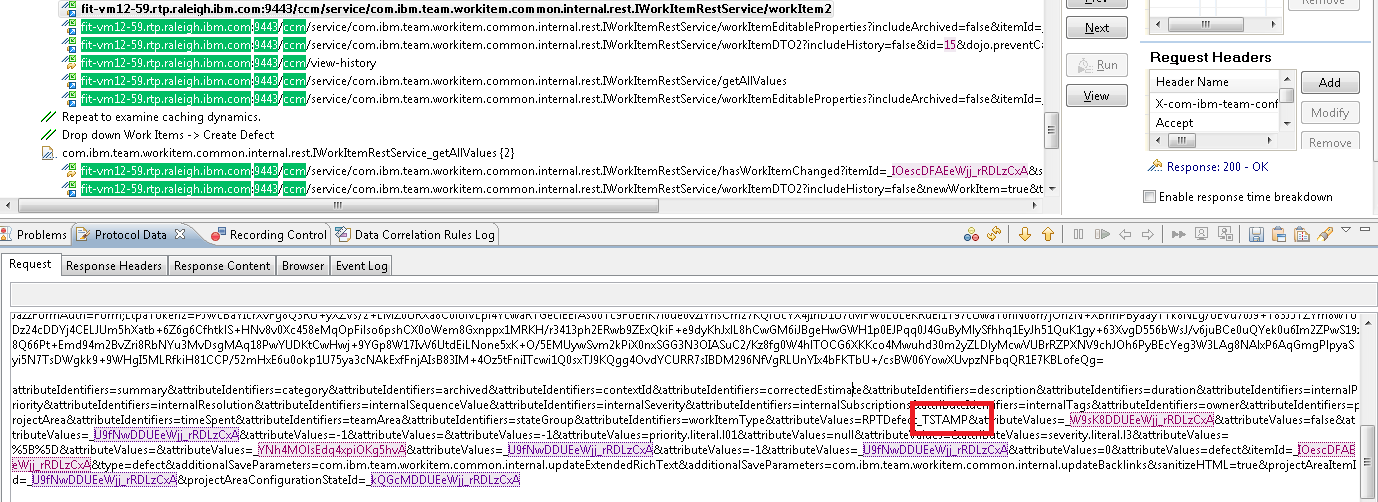
One of the primary tools I use for doing performance testing of the Jazz products is Rational Performance Tester (RPT). I use RPT when I am creating a simulation of a user population that is using Web browsers to access a Jazz server. With RPT, you can create test scripts by recording the traffic sent by the browser to the server. Once you have a basic recording, you can then adjust it so that it can RPT can play it back as if multiple users were performing the operation at the same time. This can be tricky for complex protocols like those used by the Jazz products. A single user operation like opening a project area involves a number of exchanges between the browser and the server. Calls made early in the process often return data that is needed by calls made later, and the request data needs to be properly correlated with the response data. While RPT will do its best to automatically correlate data, it won't catch everything so you have to correlate some data by hand. Fortunately, RPT provides a way to capture correlations as "correlation rules", so that as you build up an understanding of a specific protocol, you can capture that understanding in rules files to apply later. That's what we've done for the Jazz products. A good way to think of your performance scripts is as if they are a simplified version of the browser client. As the browser interacts with the Jazz server, it pulls down code which can act on data provided by the server. The browser is capable of making decisions based on that data which impact the requests that the browser will send to the Jazz server. RPT scripts, however, do not have that logic and so they can only play back what they observed. This means that you have to be mindful of areas where the protocol is dynamic, and try to account for those areas when you develop your scripts. You especially need to watch for caching logic which the browser may apply. First-time operations can be more expensive than second-time operations, so a simulation that is based on a set of first-time operations will stress the server more than is reasonable. Let's see how this looks for a use case involving the Rational Team Concert and a web browserBasic use case: create a defect
For this article, I want to simulate a user population that creates defects in RTC. To set up for this, I deployed Rational Team Concert onto a test system, and I created a project area called "LoadTest" from the Scrum template. Then, I added 250 test users to the project area and granted them all of the roles. I use an LDAP server in my test lab which contains users named UD0001 - UD0250, so those are the users I added. I used Rational Performance Tester 8.3.0.3 for this example. Before I started, I needed to adjust one of the RPT preferences. Some of the responses (especially the code bundles) are larger than 2M, and RPT will truncate those responses unless the buffer size is increased. Since I want all the data to come back, I need to adjust this in Windows->Preferences, then select Test->Test Generation->HTTP Test Generation.
I want to automate the following steps: - Open a web browser, and enter the URL that will open the dashboard for the "LoadTest" project area
- In the menu bar, select Work Items -> Create -> Defect
- Give the defect a title, and update the "Filed against" field to be "LoadTest"
- Save the defect
- Repeat this process to create a second defect (without shutting down the browser)
The first recording - basic preparation
Related topics: Deployment web home, Deployment web home
External links:
Additional contributors: TWikiUser, TWikiUser




















 Copyright © by IBM and non-IBM contributing authors. All material on this collaboration platform is the property of the contributing authors.
Contributions are governed by our Terms of Use. Please read the following disclaimer.
Dashboards and work items are no longer publicly available, so some links may be invalid. We now provide similar information through other means. Learn more here.