How to Change Execution State for Test Script ?

3 answers
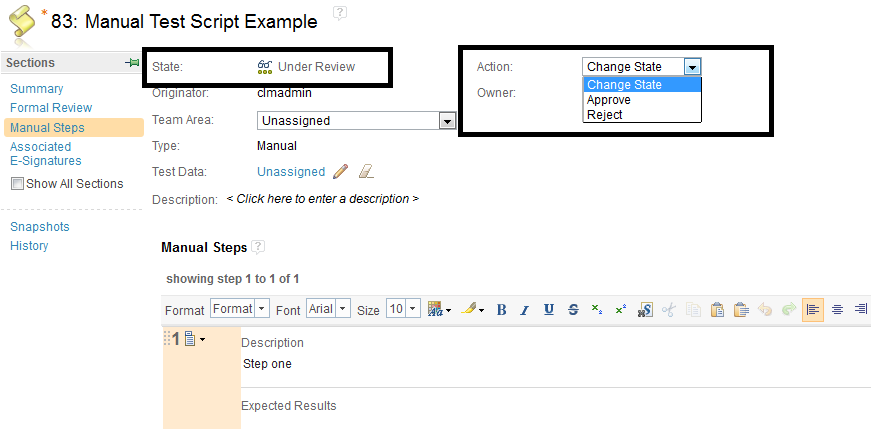
This may help (From the CLM Info Center)
Test execution results
"Tip: An administrator can remove or rename execution states by clicking the Admin icon at the upper, right part of the banner, selecting Manage Project Properties, and then clicking Execution States.
Test execution results
"Tip: An administrator can remove or rename execution states by clicking the Admin icon at the upper, right part of the banner, selecting Manage Project Properties, and then clicking Execution States.
The execution result states are only configurable for the overall result of the test case execution. Changes do not apply to the individual test script step result states, test suite result states, or reports that display weight distribution."
Comments