DNG with QM third party tool - How to display Link in UI

Hello, I'm trying to create a validation requirement link from my Testplan app (TestCase) to DNG using OSLC.
Steps i did:
- Implemented TRS from my side so RM tool can talk to me to get changelogs, Base and TRS.
- Enabled LDX in doors and added the TRS inside and its updated successfully.
- When i query using sparql the links appears but the column configured is empty. (which means should be inserted into LDX properly as i understand).
- The issue when i open item in doors i can't see the link in UI at all.
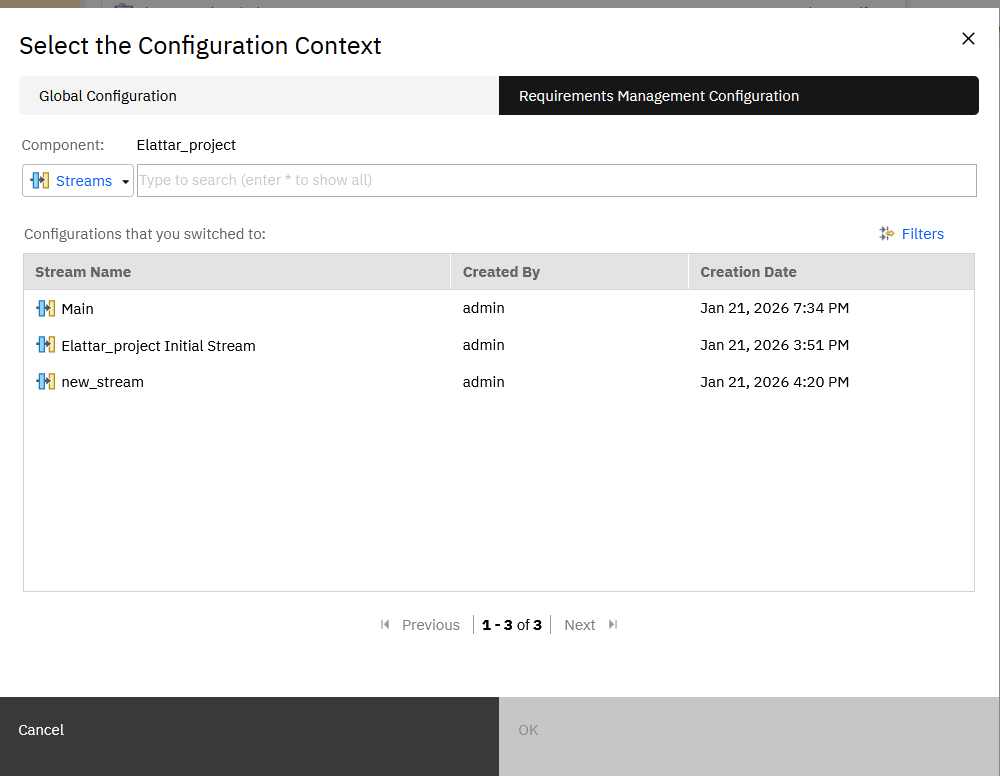
- I enabled the configuration management in doors for the project thought maybe that's the issue (but nothing appears as well)
- I re-indexed in TRS and same issue.
- RDFs returned successfully whether TRS or the item RDF with validatesRequirement.
Could you please help me if there is any configuration is missing in doors should i take care so make the links appear in doors item after integration.
I'm using DNG v7.0.3.
if there are any documentation or steps i should refer to could be favor.
One more question to make sure i'm correct. LDX to my third-party tool uses only Two-legged OAuth, right? there is no token be passed although i added OAuth configuration in TRS in doors.


Thanks in advance.