How to run JKE Banking Web Application

Hi
I know how to run the JKE banking application using JavaUI as following.
How to run the MTM JKE Banking application in 3 steps
https://jazz.net/forum/questions/67250/how-to-run-the-mtm-jke-banking-application-in-3-steps
I would like to run the JKE banking using web (web browser).
I have try the following steps.
- In 'Source Control', right-click 'New Repository workspace' on e.g. the 'Production Stream (Release Engineering)'
- Go to JKEWebUI, right-click 'Run As Server'
- Configuration server as my local Tomcat. and run successfully.
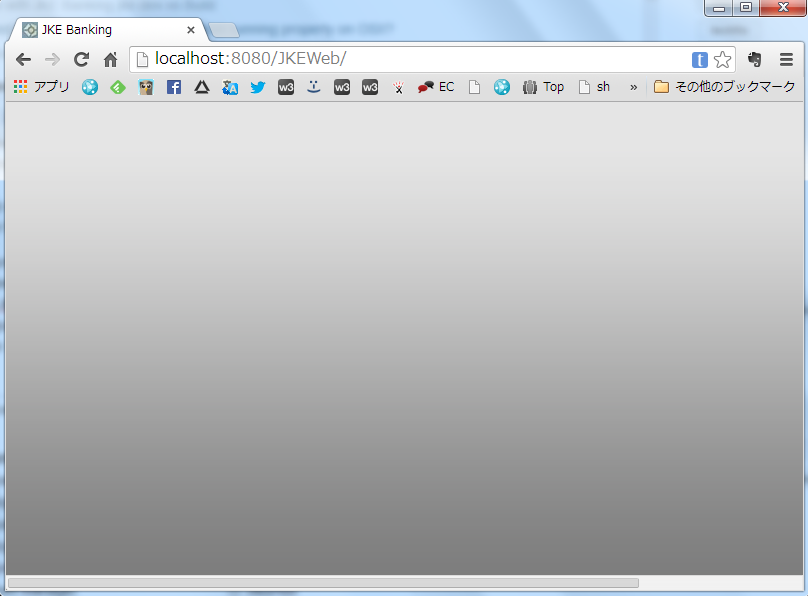
- access "http://localhost:8080/JKEWeb"
- But nothing is displayed.(pls see attach image)
Anybody knows how can I do??
Thank you
Accepted answer
You should follow the same steps as mentioned in the post that you linked.
At step 2, pay attention to the port number that the Jetty server (not your Tomcat server) is listening at
If you check the JKEServer.java carefully, you will see these lines explaining why it is so.
At step 2, pay attention to the port number that the Jetty server (not your Tomcat server) is listening at
INFO::Started SocketConnector@0.0.0.0:9700After that, access to http://localhost:9700/ (without any other path or pages in the URL) and you should see the JKE Banking welcome page.
If you check the JKEServer.java carefully, you will see these lines explaining why it is so.
server= new Server(9700);...... * development environment http://localhost:9700/ maps to ./web/index.html

Comments
Krzysztof Kaźmierczyk
Mar 07 '14, 3:26 a.m.Hi Noriyuki,
Try navigating to https://localhost:9443/ccm/web. Then you will have an option to select JKEBanking application if it is already deployed.
Let us know if that helps.
Noriyuki Egi
Mar 07 '14, 2:56 a.m.Hi Krzysztof,
Erica Tran
JAZZ DEVELOPER Mar 07 '14, 10:23 a.m.Hello Noriyuki,
Yes, it will bring up the CCM application, but if you're created the JKE banking sample, it consists of a CCM, QM and RM project. From ccm/web you should see the JKE Banking project in the CCM application if your user has access.
Noriyuki Egi
Mar 07 '14, 11:56 a.m.Erica Tran
JAZZ DEVELOPER Mar 07 '14, 4:39 p.m.So the question is how to run the actual banking tool in the web? I'm not sure this is possible.