How to set different font style for heading styles in IBM RPE

2 answers
Yes, we can set the style from the template.
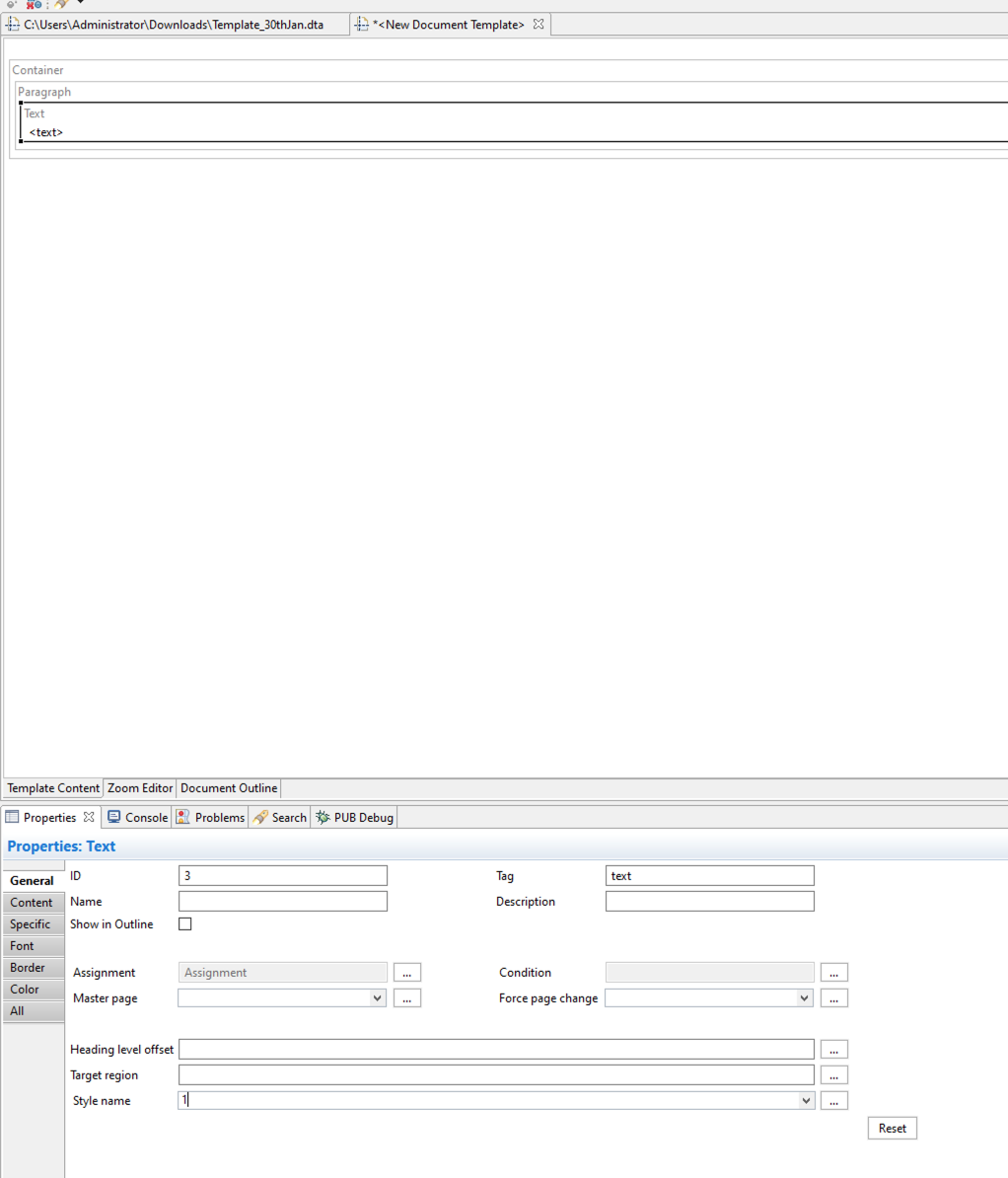
There is a Style dropdown. The user needs to add the style name in that box, and it will be picked up from the style sheet or internal styles
Likewise, if the user wants to set heading 1 2, then they just need to pass 1 or 2 numbers or full names like heading 1 or heading 2 if they have a style defined
As you can see over the right-hand side, we have a few styles defined already OOTB, but the user can also add more styles by right-clicking on Styles and adding their custom styles as well.

In the second approach, the user can add a stylesheet directly and just give the style name in the element property, as you can see below:
A stylesheet can be added using launcher output section as shown in below SS:
