| Description | |
|---|---|
| Global Configuration Management |
Display Id for Components and Configurations
The Milestone 24 feature to display Id for Components and Configurations has been extended to cover the following areas:
Image of the context banner button and the drop down menu:  Image of the rich text hover:  Image of the Find Where Used screen: 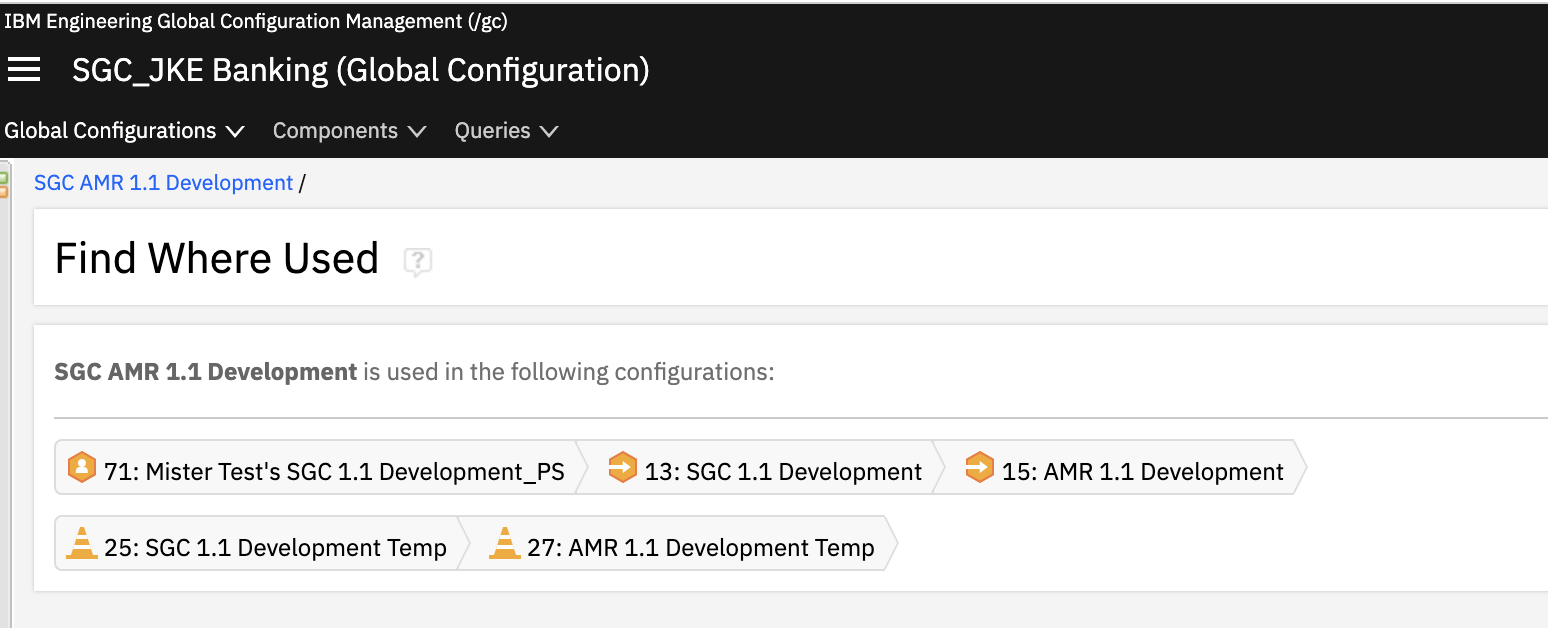 Image of the Welcome to Global Configurations page: 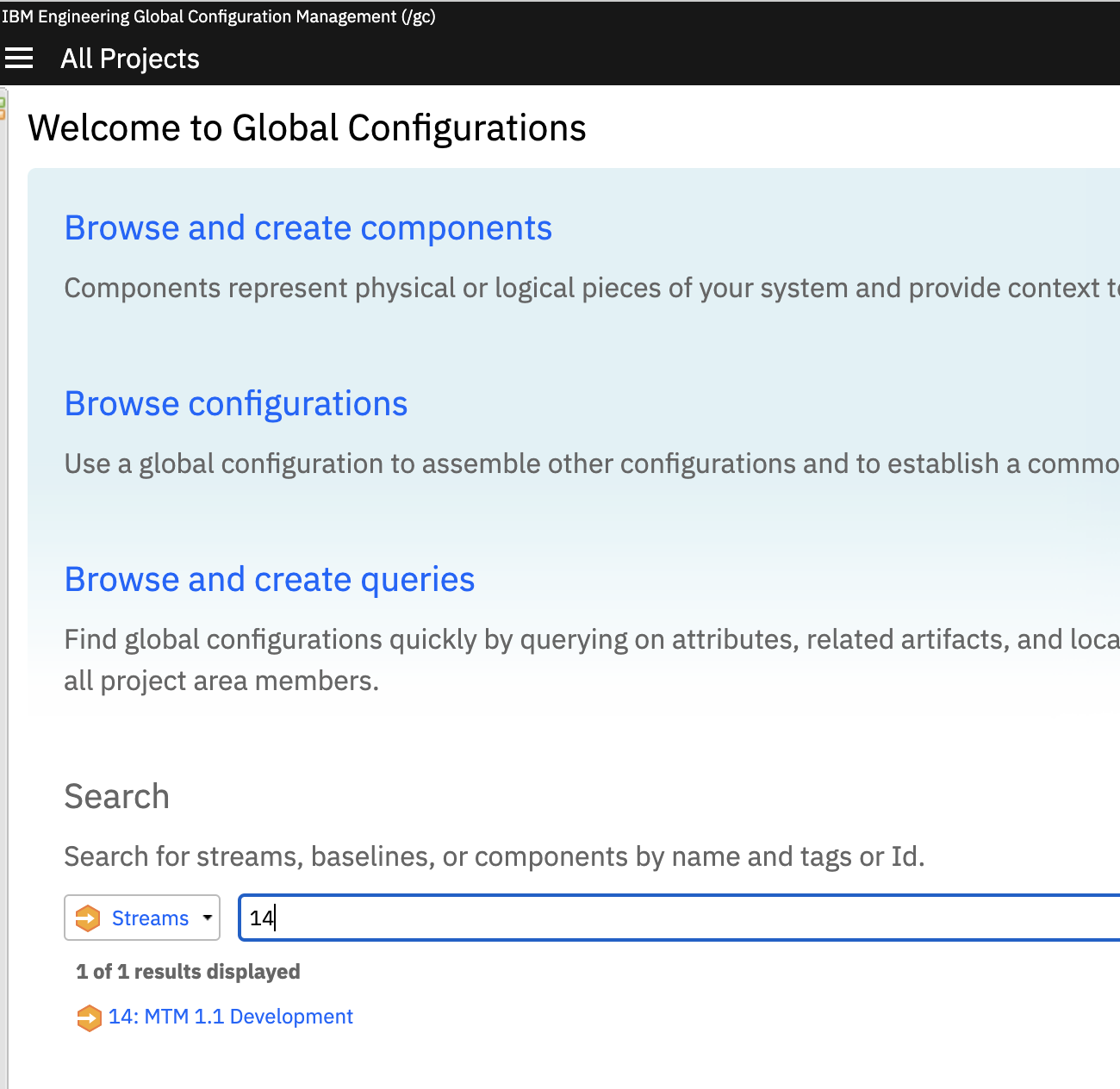 Image of the View Configuration screen: 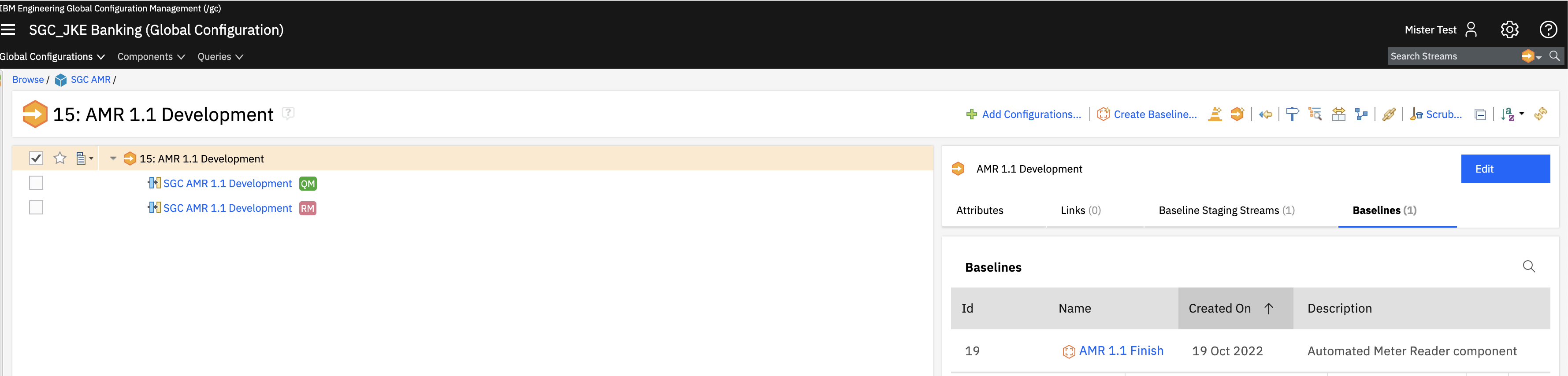 Search and Filters across the application will be support query by id in the subsequent milestone |